How to Hack WiFi: Methods Explained (Ethical Hacking Guide)

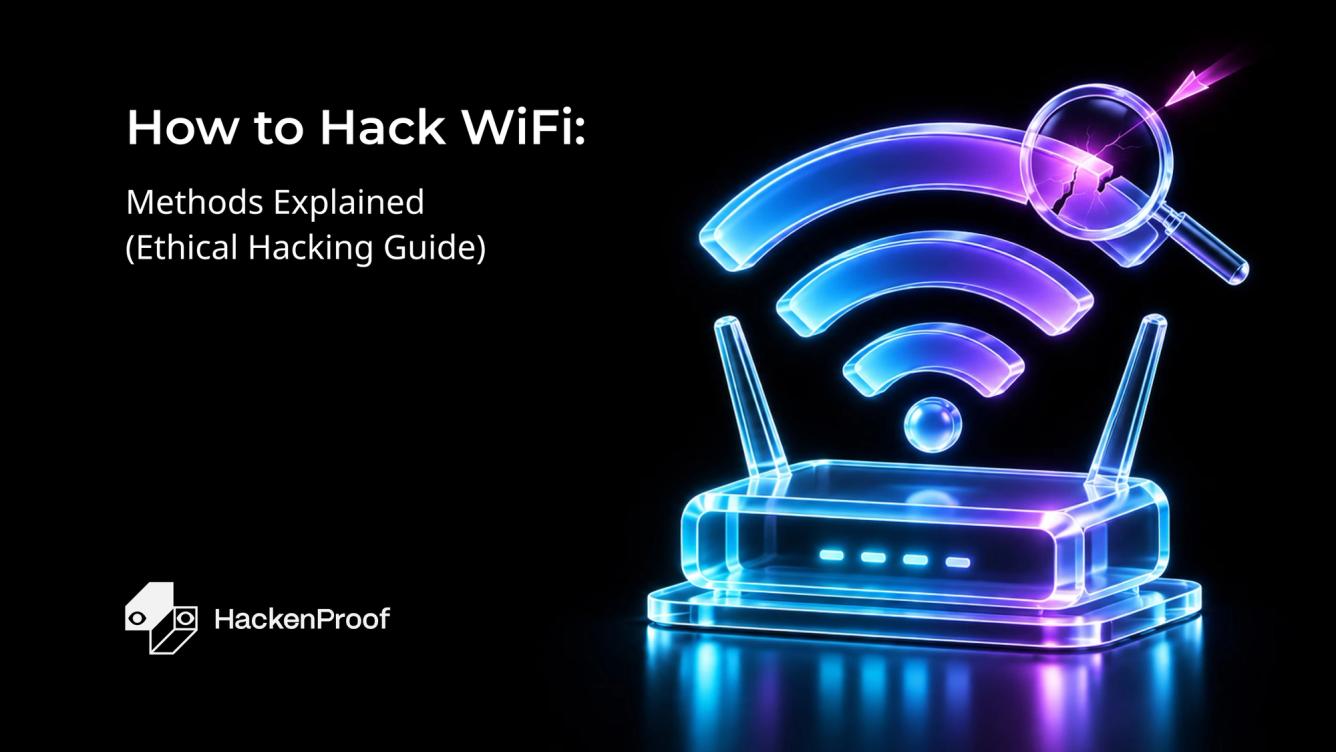
"Hacking WiFi" means recovering a wireless network's password or access by exploiting weaknesses in how it authenticates devices—not by guessing the password at the login screen. Almost every practical attack targets one of two things: the WPA/WPA2 handshake that a device and router exchange when they connect, or WPS, the one-button setup feature that was meant to make joining a network easier and instead opened a hole.
This guide walks through the methods a penetration tester actually uses in the field, in order of how common they are: capturing and cracking the WPA/WPA2 handshake, the WPS Pixie Dust attack, and a short survey of PMKID, evil twin, and deauthentication attacks. For each, you get the concept, the tools, the real commands, and—just as important—how to shut the attack down on your own network.
Wireless testing is a core part of a real-world pentest. A network can run perfectly patched software and still fall to a weak pre-shared key or a router shipped with WPS enabled, which is exactly why these techniques belong in an ethical hacker's toolkit.
Legal and ethical notice. Run these techniques only against networks you own or have explicit, written permission to test. Capturing handshakes, deauthenticating clients, or cracking a PSK on a network you don't control is illegal in most jurisdictions and can lead to criminal prosecution. We publish this to help ethical hackers and bug bounty hunters find and fix wireless weaknesses—nothing here is an invitation to attack a network you have no authorization to touch.
Before You Start: Tools And Key Concepts
Every method below runs from a Linux machine with the right wireless hardware. The baseline setup is the same:
- A penetration-testing OS. Kali Linux ships with every tool used here pre-installed (aircrack-ng, wifite, reaver). You can run it bare-metal, in a VM, or from a live USB.
- A compatible WiFi adapter. Your built-in card usually can't do the job. You need an external adapter with a chipset that supports monitor mode and packet injection—the Alfa AWUS036ACH / AWUS1900 are common choices. In a VM, pass the adapter through over USB.
- Permission. As above: your own network or a written scope.
Three concepts explain why these attacks work.
The WPA/WPA2 four-way handshake. When a device joins a WPA/WPA2 network, it and the router exchange four messages that prove both sides know the password without ever sending it in the clear. Those four messages contain enough information to test password guesses against—offline, later. Capture the handshake once, and you can attack the password on your own hardware for as long as you like.
Monitor mode. Normally, a WiFi card only listens for traffic addressed to it. Monitor mode puts the adapter into a passive listening state where it captures every frame in range, on a chosen channel—this is what lets you see and record the handshake.
WPS (WiFi Protected Setup). WPS lets you join a network with an eight-digit PIN or a button press instead of the full passphrase. The problem: that PIN is a much smaller secret than a strong password, and on many routers it can be recovered—sometimes in seconds—which hands over the real WiFi password with it. That weakness is what the Pixie Dust attack exploits.
Method 1: Capture And Crack The WPA/WPA2 Handshake
This is the classic WiFi attack and the one that works against the widest range of networks. You put your adapter into monitor mode, record the four-way handshake, force a connected device to reconnect so the handshake happens on cue, then crack the captured handshake offline against a wordlist. The toolkit is the aircrack-ng suite, which is pre-installed on Kali.
- Put the adapter into monitor mode. Kill interfering processes and start monitor mode on your interface (here
wlan0):
sudo airmon-ng check kill
sudo airmon-ng start wlan0
Your interface is now wlan0mon. Confirm with iwconfig.
- Scan for target networks. List every access point and its clients in range:
sudo airodump-ng wlan0monNote the target's BSSID (the router's MAC address), its channel (CH), and that it has connected clients—you need an active client to force a handshake quickly.
- Capture on the target's channel. Lock airodump-ng to the target so it records the handshake when it happens, and write it to a file:
sudo airodump-ng --bssid <TARGET_BSSID> -c <CHANNEL> -w capture wlan0monLeave this running. When a handshake is captured, WPA handshake: <BSSID> appears in the top-right of the output.
- Force the handshake with a deauth. Instead of waiting for a device to reconnect on its own, knock a connected client off the network—it reconnects automatically, and you capture the handshake. In a second terminal:
sudo aireplay-ng --deauth 5 -a <TARGET_BSSID> -c <CLIENT_MAC> wlan0monSend a small number of deauth packets, then watch the first terminal for the handshake confirmation. (Omit -c to deauth all clients at once, but targeting one is cleaner and quieter.)
- Crack the handshake offline. With the handshake saved in
capture-01.cap, run it against a wordlist—rockyou.txtships with Kali:
sudo aircrack-ng capture-01.cap -w /usr/share/wordlists/rockyou.txtIf the passphrase is in the wordlist, aircrack-ng prints KEY FOUND! [ password ]. If it isn't, the attack fails—which is the whole point of a strong, unpredictable passphrase (more on that below).
Reality check. The capture takes seconds; the crack is where it lives or dies. A handshake only reveals the password if that password is weak enough to appear in—or be generated from—your wordlist. A long, random passphrase can be computationally infeasible to crack, which is why this attack mostly catches networks using common or human-memorable passwords. Serious testers accelerate the crack with GPU tools (hashcat) or dedicated cracking services, but the capture steps are identical.
Method 2: The WPS Pixie Dust Attack
Where handshake cracking depends on a weak password, Pixie Dust depends on a weak router. It targets WPS directly and, when a router is vulnerable, recovers the WPS PIN—and with it the actual WiFi password—offline in seconds, no wordlist required. That makes it faster and more reliable than handshake cracking when it works; it only works against WPS-enabled routers with flawed implementations.
How the vulnerability works
In 2013, researcher Dominique Bongard showed that many access points generated the random values (nonces, known as E-S1 and E-S2) used in the WPS exchange with weak or predictable algorithms. Those nonces are supposed to keep the PIN secret during setup. When they're predictable, an attacker who collects the right messages from a single WPS exchange—specifically M1 and M3—can reverse the math and recover both halves of the WPS PIN offline, without repeatedly guessing against the router. Because the eight-digit PIN then yields the WPA passphrase, one weak nonce generator undoes the whole network's security.
Running the attack
The modern way to run this is wifite, a wrapper that automates the recon-and-attack loop (it drives reaver and pixiewps under the hood). It's pre-installed on Kali.
- Launch wifite. The
--killstyle flags handle monitor mode for you; wifite then scans and lists nearby networks:
sudo wifite- Pick a WPS target. Let the scan run until your target appears—the table flags which networks have WPS enabled. Press
Ctrl+Cto stop scanning, then enter the number of the target you're authorized to test. - Let it run. wifite automatically attempts the Pixie Dust attack against WPS-enabled targets. If the router's nonce generation is weak, it recovers the WPS PIN and prints the cracked PIN and the WiFi password on success. If the router isn't vulnerable, wifite moves on to its other methods (including handshake capture from Method 1).
When it works and when it doesn't. Pixie Dust is devastating against older and budget routers that shipped with WPS on and a weak chipset, which is still a large installed base. Modern routers either disable WPS by default, rate-limit or lock out PIN attempts, or use proper nonce generation—against those, the attack simply fails, and you fall back to handshake capture.
Other WiFi Attack Methods
Handshake capture and Pixie Dust cover most real engagements, but a few other techniques are worth knowing—and worth defending against.
| Method | What it exploits | Tooling | When it works |
|---|---|---|---|
PMKID attack | A single frame from the AP (no client needed) that contains crackable key material | hcxdumptool, hashcat | WPA/WPA2 routers that include a PMKID in the first message; no connected client required |
Evil twin | The user, not the crypto—a rogue AP cloning a real network tricks people into entering the password | hostapd, wifiphisher | Any network, since it targets human behavior; needs a convincing captive portal |
Deauthentication | The lack of management-frame protection in WPA2—forcibly disconnects clients | aireplay-ng | WPA/WPA2 without 802.11w; used as a building block for handshake capture and evil twin |
PMKID is the notable one: it removed the need to wait for—or force—a client handshake, since the key material can sometimes be pulled straight from the access point. Evil twin sidesteps cracking entirely by getting the victim to hand over the password, which is why user awareness matters as much as router config. Deauthentication rarely stands alone; it's the lever that makes handshake capture fast and evil twins believable, and it's shut down by the protected management frames in WPA3 and WPA2 with 802.11w enabled.
How to Protect Your WiFi Network
Every attack above has a direct countermeasure. Together they close off the whole surface:
- Use WPA3 where you can. WPA3 replaces the four-way handshake with SAE (Simultaneous Authentication of Equals), which resists the offline cracking that Method 1 relies on, and it mandates protected management frames that neutralize deauthentication. Where device compatibility forces WPA2, use WPA2-AES with 802.11w enabled.
- Set a long, unpredictable passphrase. The handshake attack only succeeds if the password is in a wordlist. Use 12+ characters of mixed case, numbers, and symbols, with no dictionary words or personal details—that alone defeats the most common WiFi attack.
- Disable WPS. This is the single highest-impact fix. Turning WPS off in the router admin panel removes the Pixie Dust attack surface entirely, whatever chipset the router uses.
- Enable protected management frames (802.11w). This blocks deauthentication attacks, which also starves handshake capture and evil-twin setups of their easiest trigger.
- Train users against evil twins. No crypto stops someone typing the password into a fake portal. Teach people to verify networks and treat unexpected "re-enter your WiFi password" prompts with suspicion.
- Monitor for rogue APs and deauth floods. Wireless intrusion detection flags evil twins and deauthentication bursts so you can respond before a handshake is captured.
If you run or test networks professionally, wireless findings like these are exactly what a structured bug bounty program or penetration testing is built to surface before an attacker does.
Conclusion
Hacking WiFi comes down to two weak points: a password that a wordlist can guess, and a WPS feature that should have been turned off. Handshake capture and the Pixie Dust attack cover the vast majority of what you'll meet in the field, with PMKID, evil twin, and deauthentication rounding out the toolkit. Learning them is what lets you prove a wireless network is exposed—and, just as importantly, show exactly how to close the gap.
The defensive side is refreshingly concrete: WPA3 or WPA2-AES with a long random passphrase, WPS disabled, protected management frames on, and users who know an evil twin when they see one. Run through that list, and almost every attack here stops at the door.